| .github/workflows | ||
| bin | ||
| CMake | ||
| cpack | ||
| dev-scripts | ||
| doc | ||
| extra | ||
| i18n | ||
| macos | ||
| nix | ||
| src | ||
| tools | ||
| valgrind | ||
| vendor | ||
| .clang-format | ||
| .gitignore | ||
| ChangeLog | ||
| ChangeLog.SDL_gfx | ||
| CMakeLists.txt | ||
| COPYING | ||
| default.nix | ||
| Doxyfile | ||
| README.md | ||
| sonar-project.properties | ||

X-Moto 0.6.3 


Copyright (C) 2005-2025
Introduction
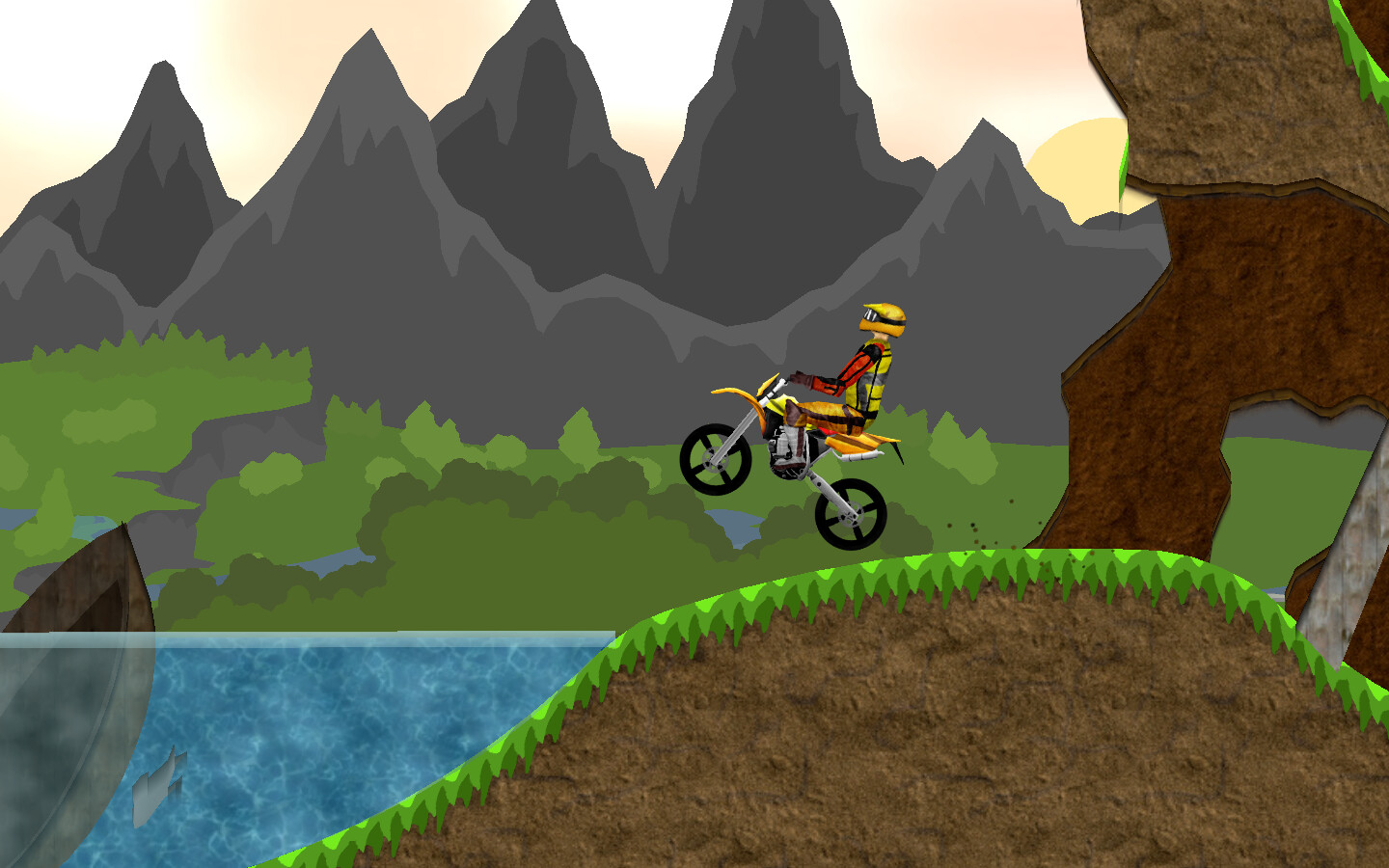
X-Moto is a challenging 2D motocross platform game, where physics play an all important role in the gameplay. You need to control your bike to its limit, if you want to have a chance finishing the more difficult of the challenges.
First you'll try just to complete the levels, while later you'll compete with yourself and others, racing against the clock.
Installation
Download and install the game from https://xmoto.org
Building
See the wiki:
Basic Gameplay
A number of strawberries are spread around each level, which generally consists of a complicated landscape seen from the side - i.e. much like islands in the sky. You need to collect all these berries to complete the level - when you've got the last one, you should find the sunflower which will complete the level when you touch it. Variations to this basic gameplay may be found around some of the levels. Your motocross bike is likewise seen from the side, and you control its throttle, braking, and simple changes to the attitude by jerking the bike back and forth. Additionally you can change the direction of your driving, by rotating on the spot.
Controls
You control your bike using the keyboard:
- Up arrow - Accelerates
- Down arrow - Brakes
- Left arrow - Rotates it counter-clockwise
- Right arrow - Rotates it clockwise
- Space - Turns around and drives in the other direction
Note that the above keys can be configured to something else to suit your needs. Additionally, some other keys can be pressed while playing:
- Escape - Pauses the game, and opens the in-game menu
- F12 - Takes a screenshot (saved in the
~/.local/share/xmotodirectory)
Command-line Options
X-Moto supports a range of options you can specify on the command
line when starting the program. Run xmoto --help to get details on these options.
Letting X-Moto Access The Web
X-Moto comes with a feature that allows the game to connect to the web and download high-scores (world records) and extra levels.
The first time you run X-Moto you'll be asked about whether you want to allow the game to access your Internet connection; if you don't have one, simply click "No". Then you'll be asked to specify your proxy settings. X-Moto supports HTTP proxies, SOCKS4 proxies, and SOCKS5 proxies. If you're behind a firewall, you most likely need to specify a proxy; ask your network administrator for guidance if you're in doubt.
Replays
X-Moto supports recording and playback of
replays. These are always stored in the Replays/ directory, which is
located in the .local/share/xmoto in the user directory.
One should be aware that replays can take up quite a large amount of
harddisk space - on average you can expect a single minute of replay
to equal around 50 kilobytes. If you want to disable recording of
replays, you can set the StoreReplays variable to false in
config.dat, which is located in ~/.local/share/xmoto.
Other things to be aware of regarding X-Moto replays:
- Due to the way they are stored, they seem a bit less smooth than the actual game.
- No fancy dirt particles from rear wheel spinning.
Advanced Configuration Options
Options are saved in a file called config.dat. The file is saved
in ~/.config/xmoto.
It is a plain XML text file, so it should be straight-forward to modify
in any text editor. In addition to the options accessible from inside
the game, there's a couple more, which is not interesting enough to
get included in the menus:
- WebHighscoresURL
The URL from which public high-scores should be downloaded. Please consult the high-scores website for information about how this is used to make your own "private" high-score lists.
- WebLevelsURL
Place on the web to look for extra levels.
- DefaultProfile
Specifies which player profile should be active when the game starts.
- ScreenshotFormat
The format in which screenshots should be saved in. Can be either jpg or png.
- StoreReplays
If true, replays will be automatically recorded during the game. When the player dies or finishes the level, he can then choose to save the replay. If set to false, no replay saving will be possible. Recording replays have a theoretical impact on the framerate of the game, but practically you shouldn't be able to notice anything.
- ReplayFrameRate
Specifies the framerate at which replays will be recorded at. The higher it is, the smoother the replay will seem to be, but it will also cause the replay file to be much larger. Never set this option to higher values than 50, as it could cause unforeseen consequenses. The default value of 25 seems to be a good compromise between smoothness and file size.
Bugs
If you experiences any bugs, please open a new issue
License
The game and its source code is released under the terms of the GNU General Public License. See COPYING for details. Some of the source code originating from various third parties is not released under the same license. Please consult the appropriate license material for more information. Generally you're free to copy and reproduce both X-Moto and the source code in any way you like, even to modify the source and release your own version of the game, as long as you comply with the above mentioned licenses.
Authors
See the in-game credits under "Help".